Docker - 1

Hey there, fellow tech adventurers! 🚀 Welcome to my blog, where I transform complex tech jargon into digestible insights. I’m Yajanth, a passionate explorer of the cloud, DevOps, and software development realms. Here, you’ll find a treasure trove of knowledge—from unraveling the mysteries of containerization to mastering infrastructure as code with Terraform. Join me on this exhilarating journey as we push boundaries, spark creativity, and navigate the ever-evolving tech landscape together. Let’s code, learn, and innovate—one post at a time!
Before learning docker, we need to understand what is “Containerisation” , what are “containers”?
Lets understand Containers and Containerisation….
What is a container? what does it do? Anything that can contain or store other object in it, basically stores whatever we put in it.
Before looking into the definitions, lets see understand the analogy of it.
Analogy: Containerisation is like packing a meal into a lunchbox. Instead of carrying all the ingredients separately, you pack everything you need—food, utensils, napkins—into one box. This way, it’s easy to take your meal anywhere, and everything stays organised and ready to use.
Now lets put use the in the software development:
Container: A container is lightweight, isolated, standalone executable package that includes everything needed to run a piece of software. This includes the application code, runtime, libraries, environment variables, and configuration files.
Containerisation: The process of encapsulating an application and its dependencies into a container. This involves creating a standardized unit of software that can be easily deployed and scaled across different environments.
Why do we need containers?
Well that works on my machine.
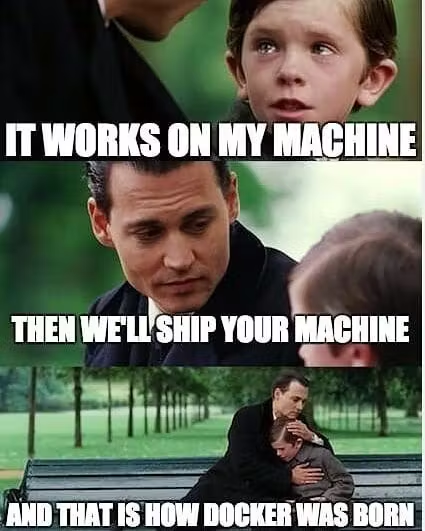
Example: A application developed on python 2, using a specific framework and database in Windows environment , won’t on a Linux machine. Why? Because there are no required dependencies in-place.
App encounters several syntax errors, because env isn’t python2.
App is try to connect to MySQL, but the linux only has MongoDB.
Now to solve all these issues, we use containers.
A container is used to pack all the dependencies from OS, run-time environments, config. file, build file into it and then run it in any environment.
Here docker comes into play….
Docker is a provides platform for developing, shipping, and running applications in containers. It simplifies the process of managing application environments by allowing developers to package applications and their dependencies into a container.
Docker makes it easy to move your application around because everything it needs is already inside the container.
Key Features of docker:
Lightweight : Fast startup times and efficient resource usage compared to VMs.
Portability: Consistent application behaviour across different environments (development, testing, production).
Isolation: Each container runs in its own environment, preventing application conflicts.
Layered Images: Images built in layers for efficient storage and easy updates.
Dockerfile: Scripted build process for automated and repeatable image creation.
Version Control: Image tagging allows easy management and rollback of versions.
In the next article of this Docker Journey series, lets look at how to use docker.